Your voice gets heard. Your name never does.
TGIF Panda is how you tell your workplace how things really are — anonymously, in about 20 seconds a week. Here's exactly why it's safe.
We never ask your name.
No account, no email, no personal info. You enter one workplace code and you’re in.
Your manager only sees totals.
They get the whole team’s mood and anonymous notes — never who said what.
Too small a group? You disappear.
If only a handful of people in your department have answered, the department label is hidden — so no one can guess it was you.
How can it not know my name?
You never make an account. Tapping the facility code gives your phone an anonymous pass — no name, email, or number attached. There’s simply nothing linking your answers to you.
What stops my boss from seeing my one answer?
The dashboard can only show totals and anonymous notes. There is no screen anywhere — not even for the owner — that shows a single person’s response. It doesn’t exist.
What if I’m the only aide on nights?
If fewer than 5 people in a department have answered, that department’s name is hidden from the results entirely. They can’t narrow it to you.
Doesn’t my phone remember me?
Your phone keeps one random code so you’re not double-counted in a week. It’s random characters, never your name — and it never gets sent to your employer.
What your manager sees — and never sees
“Short-staffed on weekends again.”
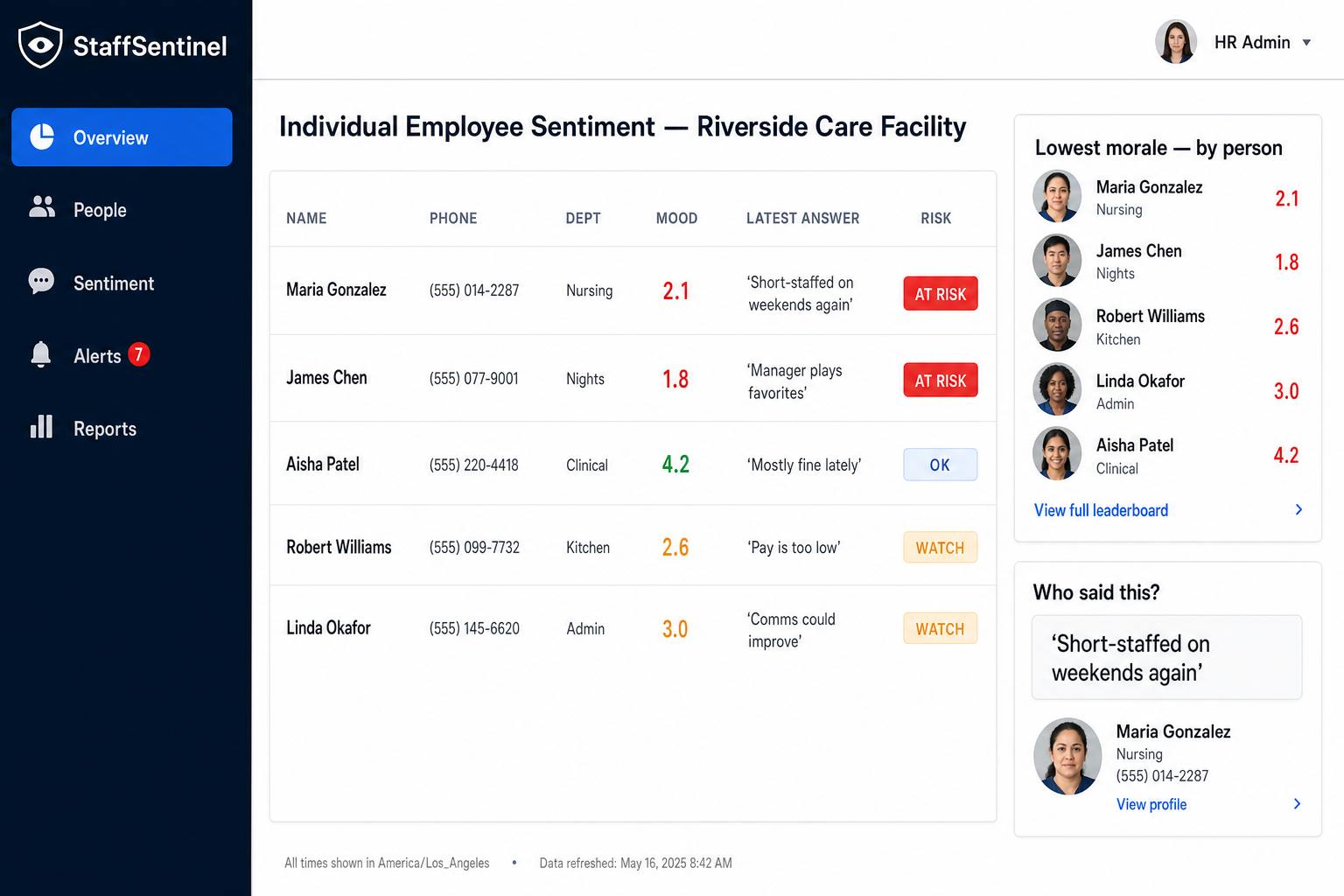
- Your name
- Your phone number
- Which answer was yours
- Who wrote which note
- Anything from a department under 5
It takes about a minute, total.
Get the app
It’s free and takes a few seconds. Grab it from the App Store or Google Play.
Enter your workplace code, once
It’s on the poster at work. No email, no sign-up — just the code and you’re in.
Tap once every Friday
Pick how the week felt, add a note if you want. Under 20 seconds, even from your lock screen.
Honest feedback only helps if it's safe to give.
That's the whole reason we built it this way.
Still unsure? Read our privacy promise →